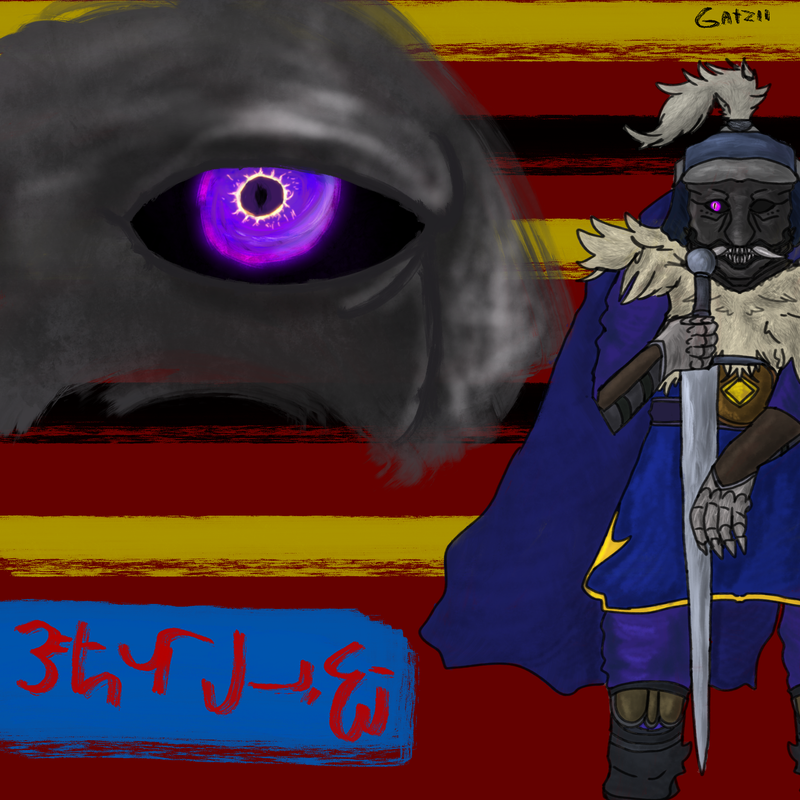
I made a skrunkly for someone
(he rolled in strawberry jam)

I made a skrunkly for someone
(he rolled in strawberry jam)
yo im an ortist, may i's add some ort?
i'm not as good as what i've seen on here but i make oc's for cartoons
 language
(This thread is open to everyone, post as you wish. No need to ask.)
(Oh, thank you)
 fastfood
My unfinished art of Kasane Teto

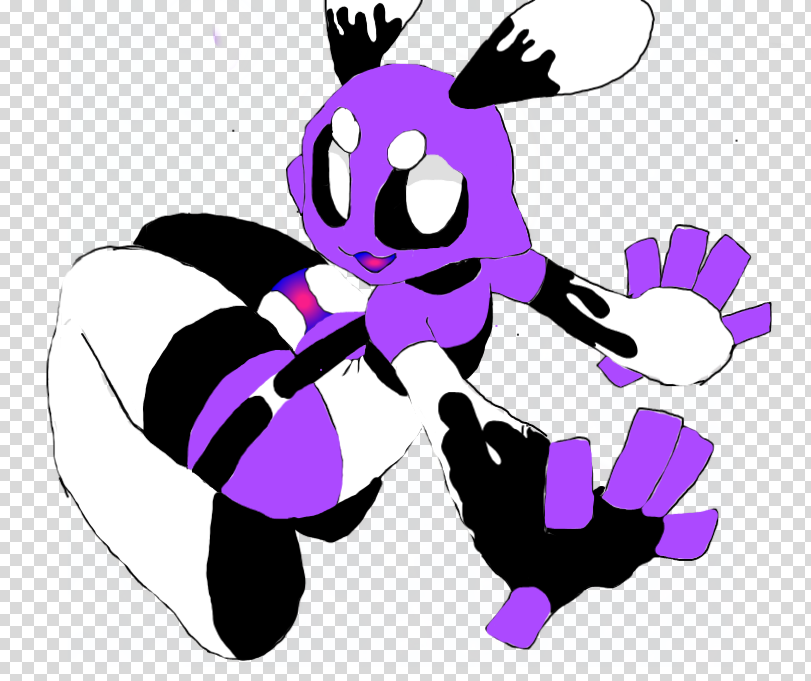
unfinished oc :)
I just worked my butt off to finish drawing refs for all my OC's I got last night.
nice
I forgot how to post images on this website
 pets
pets
I forgot how to post images on this website
Little late, but-
You have to upload the image to some hosting site like ibb.co, imgur, tenor, etc. Notebook itself also works when you upload an image to a universe, location, character, you get it - just know that deleting the image from the page on Notebook ALSO deletes it in the forums.
Once the image is uploaded, right-click (laptop) or hold-tap (mobile) on it. You should get a pop-up option that lets you copy the image's LINK. Don't copy the image, copy the LINK - it should end in ".png", ".jpg", ".gif" or whatever else the file format is. Those three formats are the safest, though, and they tend to work most often. Just paste the image link into the forums, and it should work!
Example:
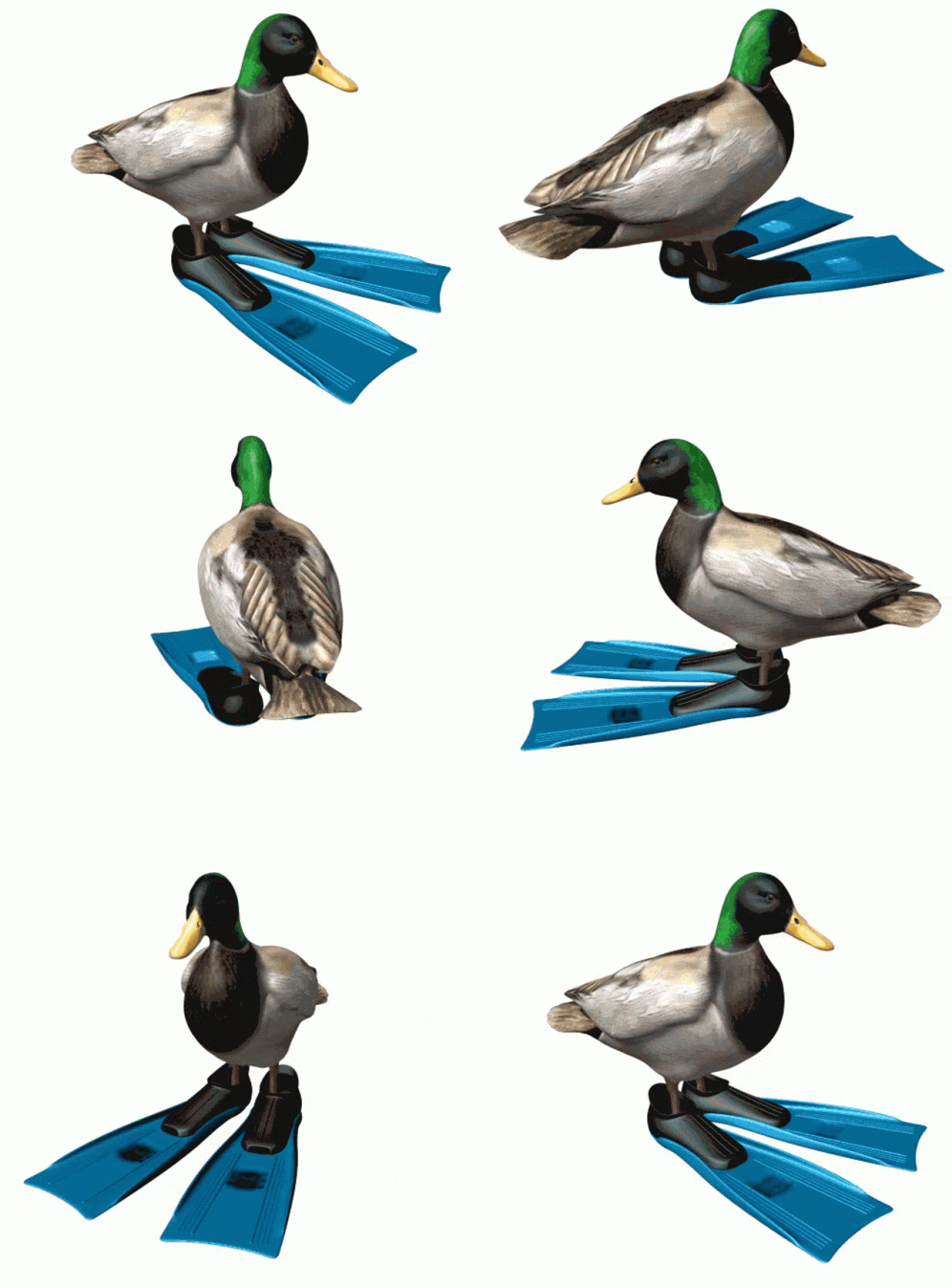
I believe this also works for most forum-based sites that don't have a built-in image upload!
language
(Stubs did you just have that gif on-hand because it's amazing)
I'm gonna drop this here for anyone who cares about Hazbin Hotel
I forgot how to post images on this website
Little late, but-
You have to upload the image to some hosting site like ibb.co, imgur, tenor, etc. Notebook itself also works when you upload an image to a universe, location, character, you get it - just know that deleting the image from the page on Notebook ALSO deletes it in the forums.
Once the image is uploaded, right-click (laptop) or hold-tap (mobile) on it. You should get a pop-up option that lets you copy the image's LINK. Don't copy the image, copy the LINK - it should end in ".png", ".jpg", ".gif" or whatever else the file format is. Those three formats are the safest, though, and they tend to work most often. Just paste the image link into the forums, and it should work!Example:
I believe this also works for most forum-based sites that don't have a built-in image upload!
This seems pretty complicated to just place a picture lmao
 book
book
Thats nb for you ¯\ _(ツ)_/¯
Hi! I’m new!
This is one of my more recent pictures! 🤗
@Pickles thank youuu! Lol, trying to color the jacket drove me absolutely insane though! 😭😂
 group
group
wowie– people–
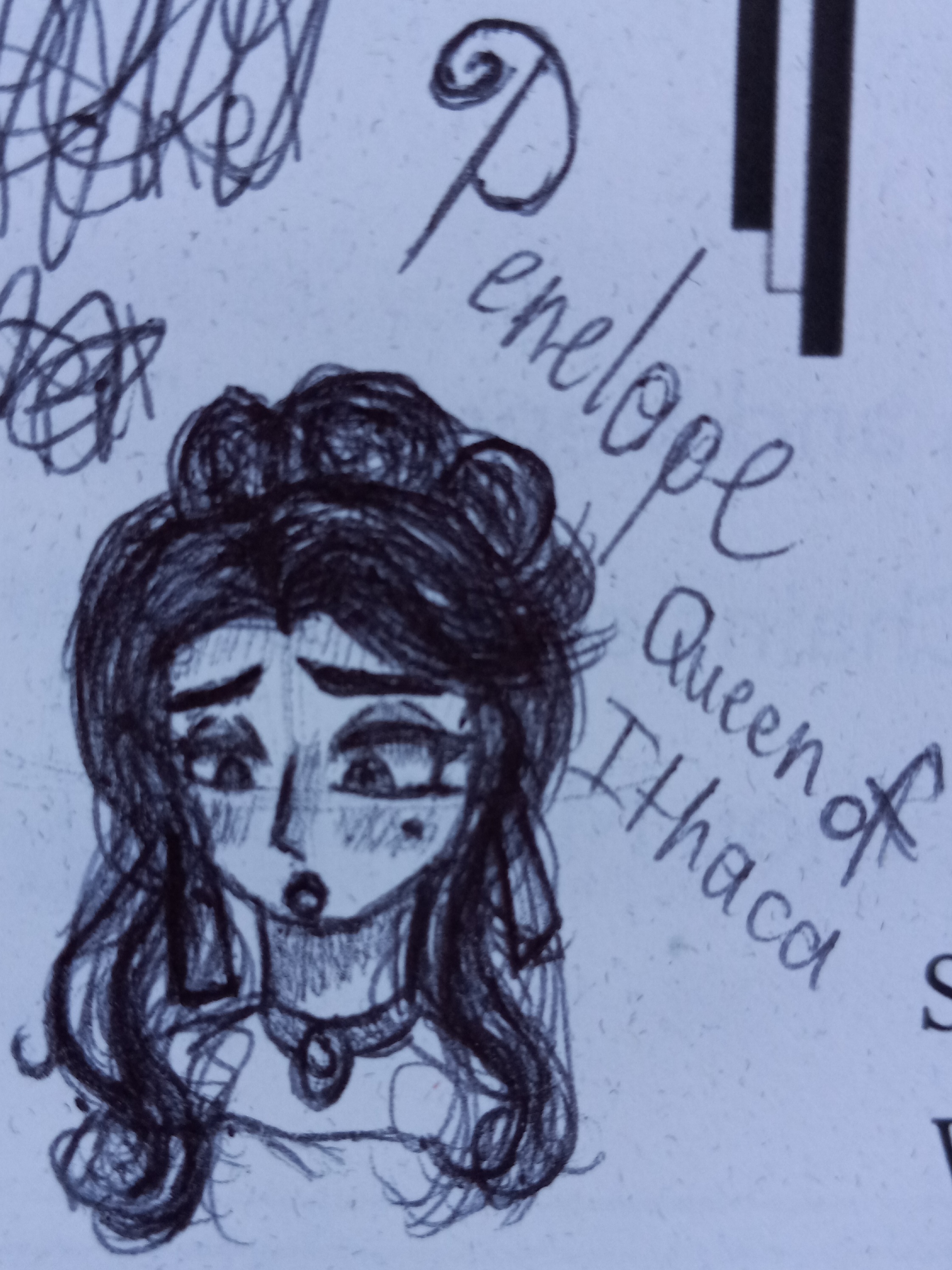
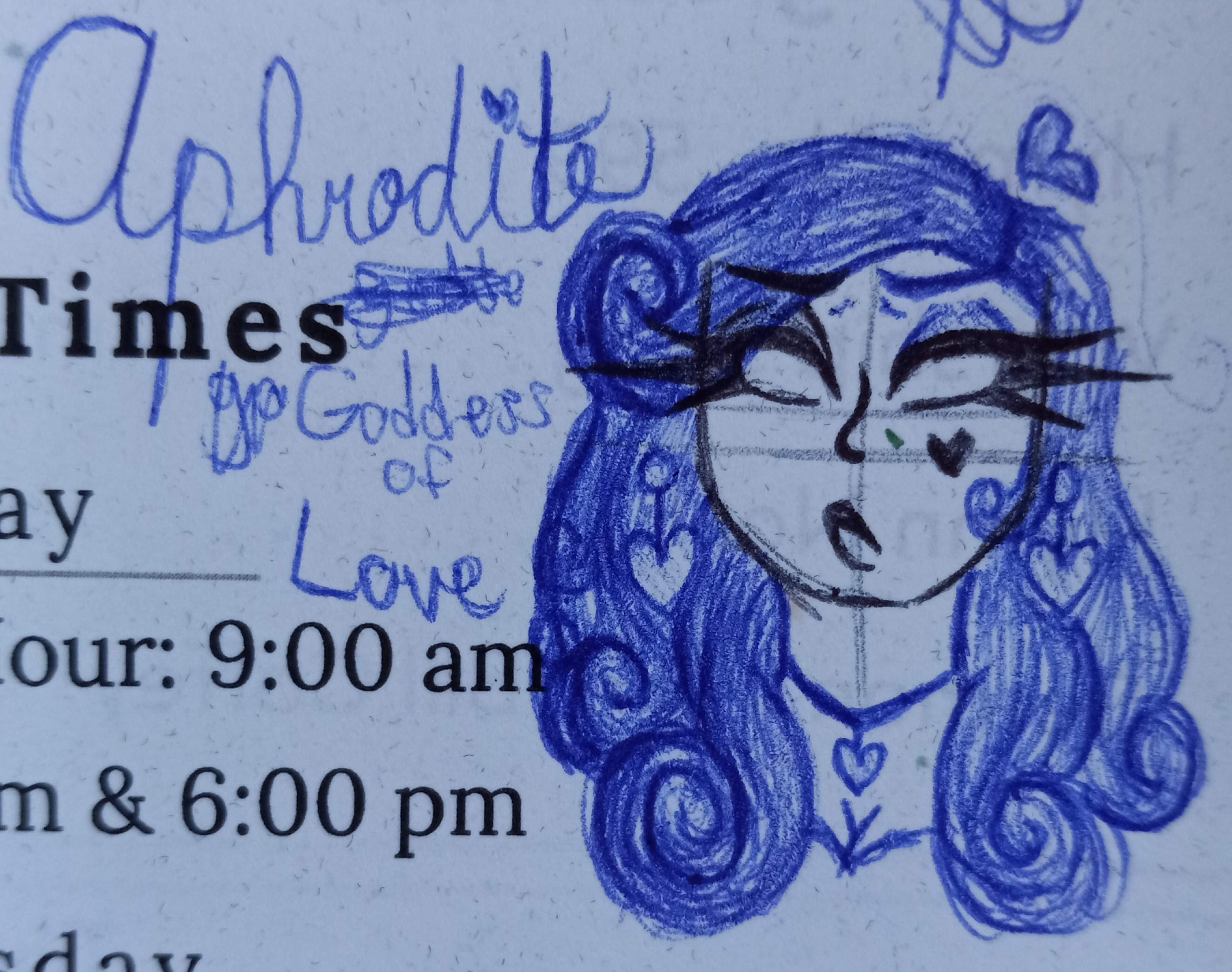
Been listening to Epic: The Musical a bunch lately, and decided to do some doodles